Universal or specialized storage?
| Storage | Useful property | Constraint |
|---|---|---|
| Universal | Can hold a mixture of cargo types | Generic loading and storage behavior |
| Specialized: Liquid, Bulk, Flatbed or Goods | Faster loading; delivery timer pauses while stored | One cargo type per module |
Sources: TF3 manual · Warehouses
A transfer inspection
- Select the warehouse and inspect Stocks: the accepted cargo and stored quantity are visible per module.
- Check it lies inside the catchment of the arriving station and the departing station.
- For a specialized module, choose the intended cargo icon.
- Follow one shipment from its source, into storage and onto the next vehicle.
- Check the final consumer. A warehouse does not automatically supply a factory or town.
Sources: TF3 manual · Warehouses
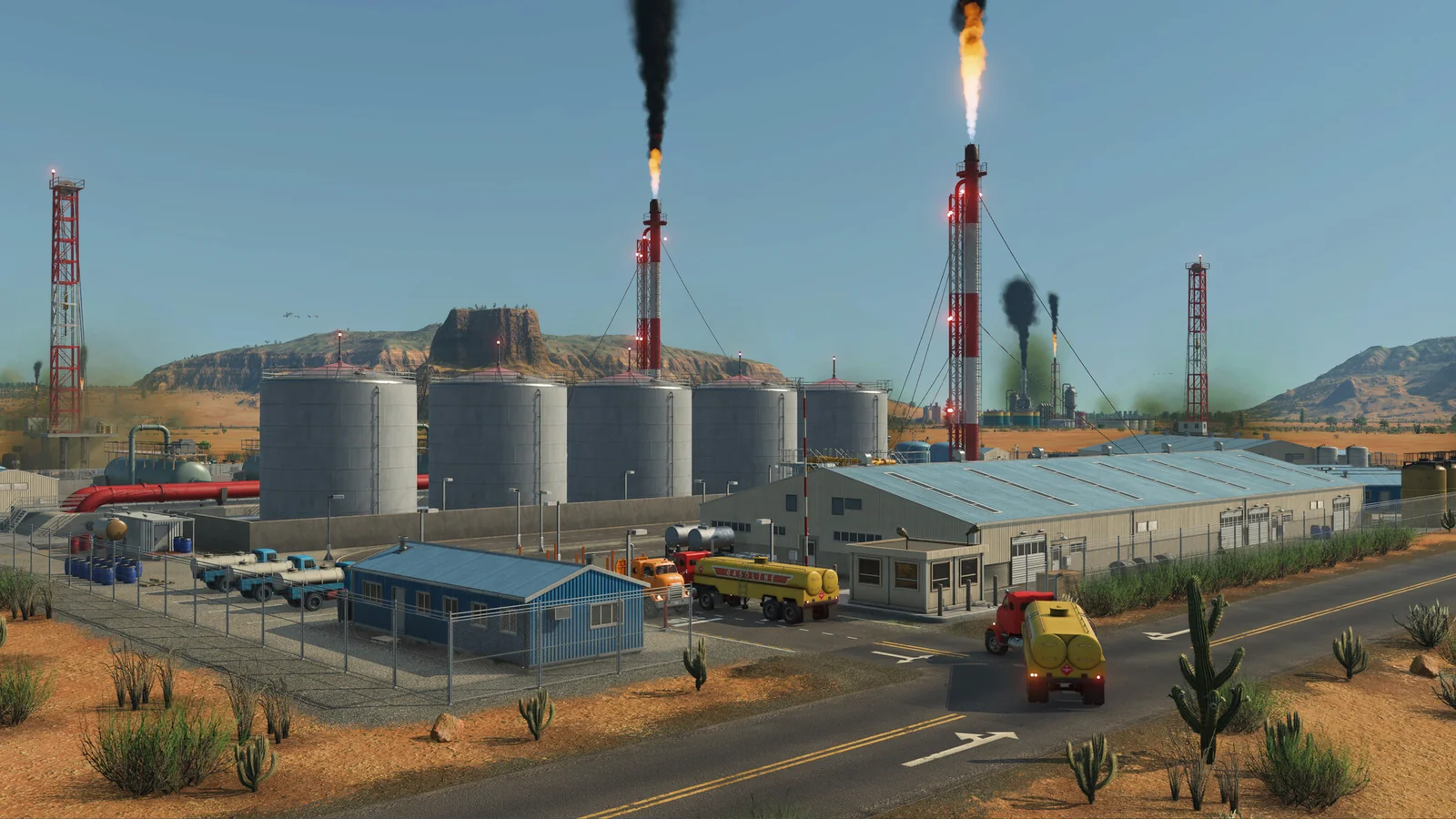
Example: crude oil and fuel
Even though both belong to Liquid, a specialized module cannot simultaneously store both types. Use separate modules. If the upstream vehicle keeps unloading but the downstream delivery never happens, inspect that second line before building more storage.
Sources: TF3 manual · Warehouses
Where this answer comes from
Checked 2026-10-22. Each claim links to the published material it comes from. Inspection sequences are Routebook’s editorial suggestions.
- TF3 manual · Warehouses Official wiki